
DOWNLOAD NOW! CHOOSE YOUR PLATFORM BELOW:
Blue Light Not Turning Solid Blue?
In some cases, your camera may need to be told “manually” to search for a tower in your area, while most towers automatically are found , certain areas require this extra step
Turn the camera off (You’ll hear a little sound play) - then power the cam on, and immediatley hold it infront of this QR, let the camera scan this QR - you should hear the camera say “Pairing Information Received”
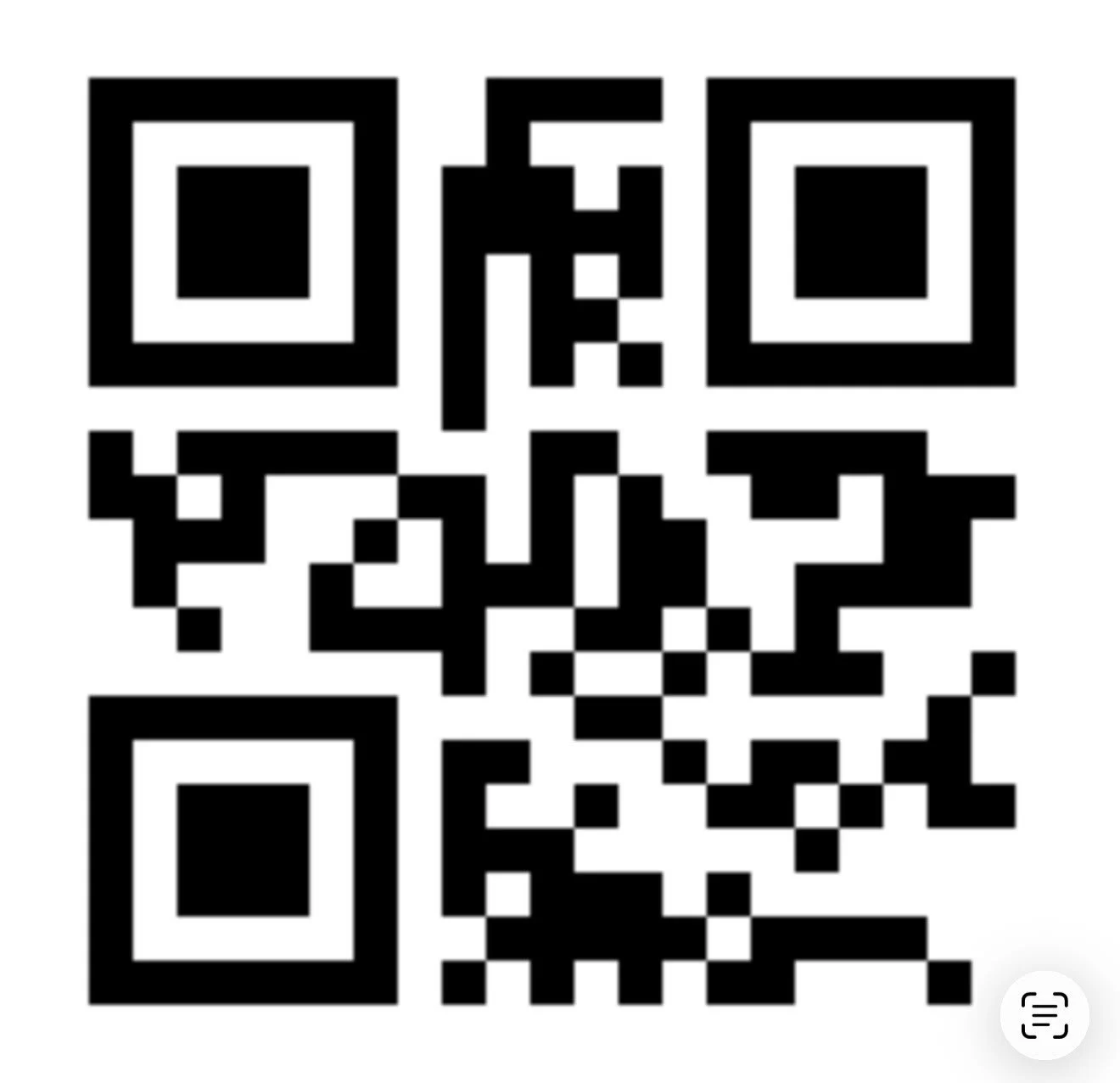
Wait about 2 minutes, then power the camera DOWN, and then back UP again, while its booting show the cam this QR again— and the light should go blue solid within 2-3 minutes! This is a 1 time step and you shouldnt need to do this again after the first time. Enjoy!
OR OPEN YOU PHONES CAMERA APP AND POINT AT THE CODE BELOW! A LINK WILL APEAR FOR DIRECT DOWNLOAD